
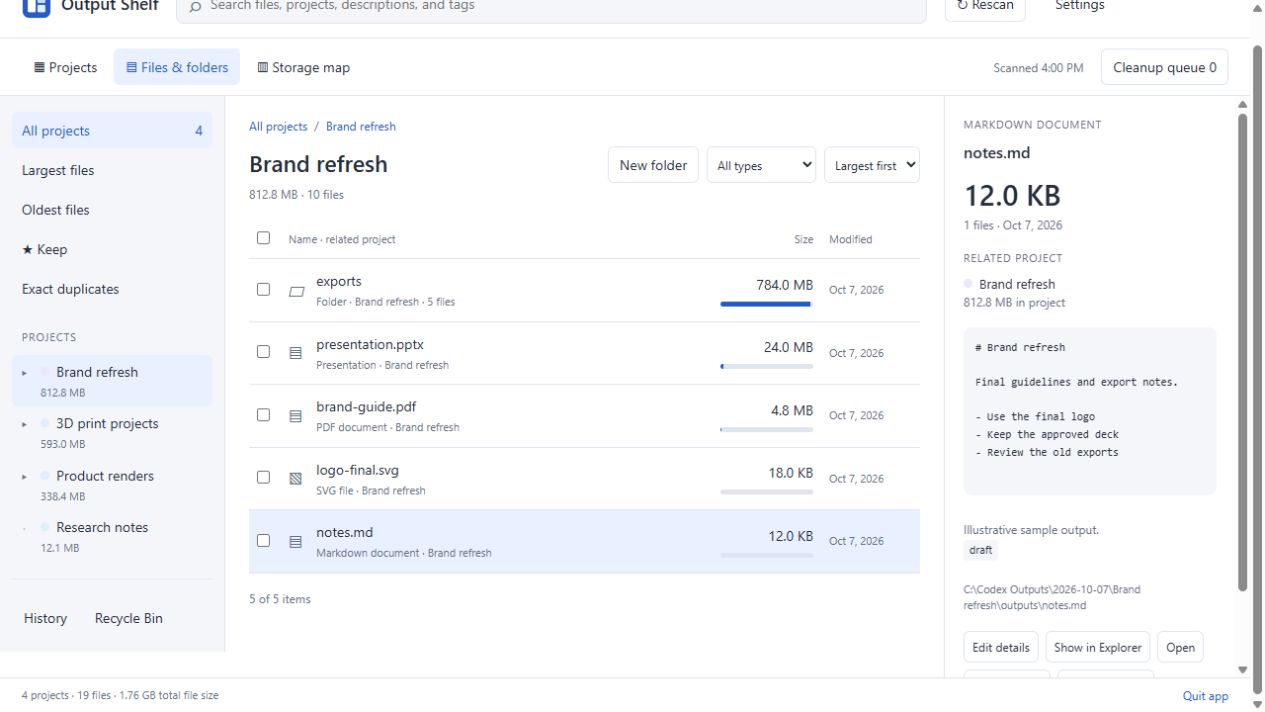
Identical contents do not make every copy unnecessary. Keep the path your project depends on.
Distinguish identical files from similar versions
Output Shelf’s duplicate finder checks for exact copies using file contents. Two files can have different names and still be identical. Two similarly named drafts can have different contents and should be reviewed as separate versions.
This is not a visual similarity search. It does not decide whether two render angles, revised PDFs, or edited images are interchangeable. Preview those files and make that judgment yourself.
Check the project and path of each copy
Review the duplicate group and compare the paths. A copy in a finished deliverable folder may need to stay there, even if the same bytes also exist in an earlier chat. A script, document link, or another person’s workflow may depend on that location.
Choose the copy you intend to retain and mark it with Keep. If you need both copies in their current locations, keep both. The goal is a library you understand, rather than the smallest possible number of files.
- Check whether a copy belongs to a final deliverable or source folder.
- Confirm which path your scripts and older chat links use.
- Preview supported files to recognize the work.
- Keep a separate backup before permanently removing important work.
Queue reviewed copies, then recycle
Add only the copies you have decided are unnecessary to the cleanup queue. Review the full paths and sizes together before confirming cleanup. The app sends those items to the Windows Recycle Bin.
Keep protects marked files and folders within Output Shelf’s cleanup flow. It does not stop changes made by another application. Recycling also does not immediately free disk space; that happens when Windows removes the item from the bin.
- Run the duplicate finder on the scanned output library.
- Review the exact duplicate group and its project paths.
- Mark the copy you need with Keep.
- Queue unnecessary copies for cleanup.
- Review the queue before recycling.
Make the next cleanup easier
Use a consistent final tag and a short project description so you can recognize the retained copy later. When a project is finished, review unused exports and large intermediate files while the work is still familiar.
Output Shelf costs $10 USD once for version 1.0.1 and runs locally on Windows 10 or 11, 64-bit. The browser demo is free to explore and uses fictional files. You can test the browsing and review flow before purchasing the desktop app.