You made it.
Now find it.
Turn the files Codex leaves behind into a library you can actually use. Find the right version, see what’s taking space, and clean up with confidence.
 Output Shelf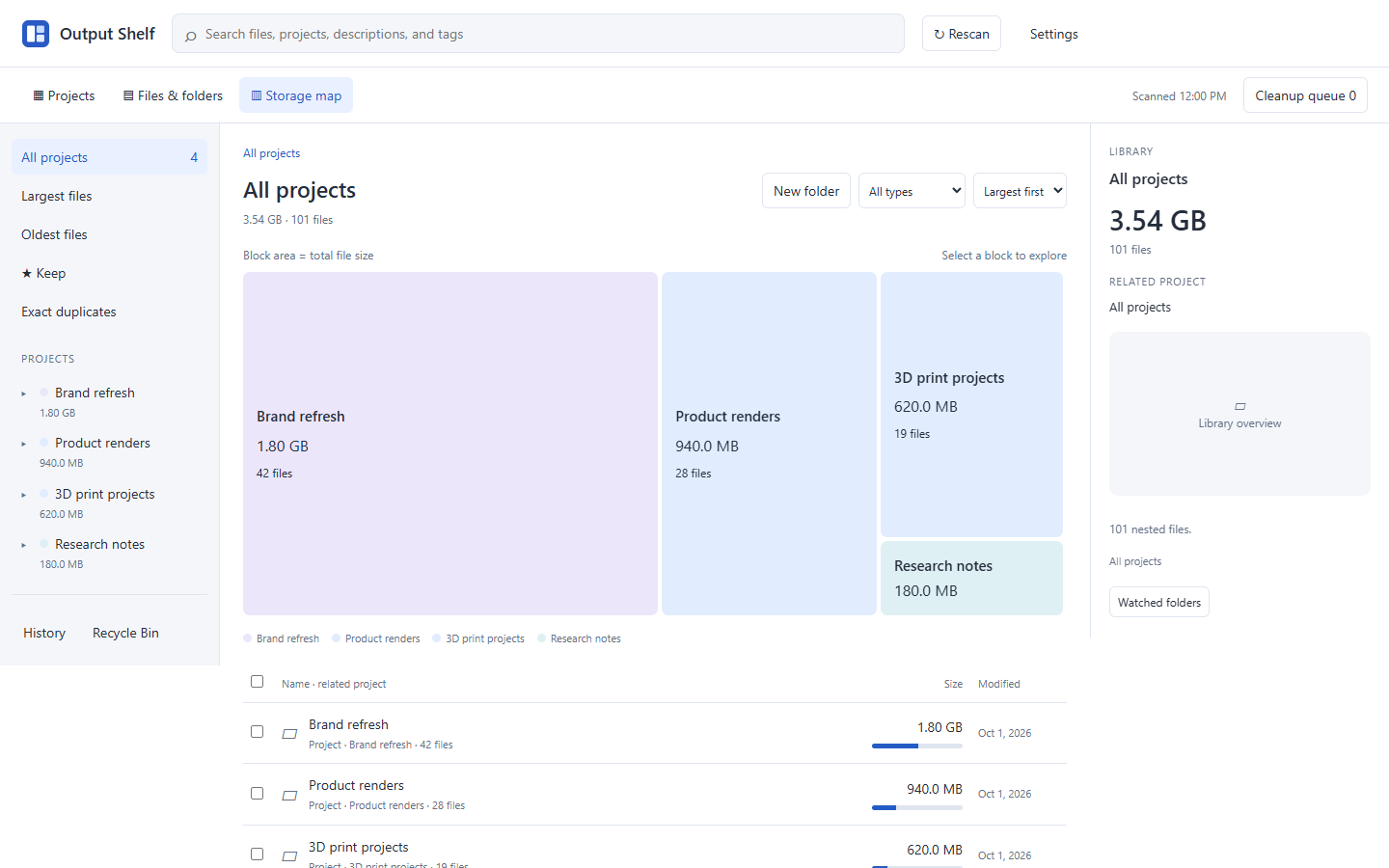
Know where it belongs.
Group related outputs into projects. Add names, notes, and tags without changing file paths.
See what’s inside.
Preview images, documents, code, audio, video, and 3D models. Find large files and exact duplicates.
Choose what goes.
Protect important files with Keep. Review your cleanup queue before sending it to the Recycle Bin.
Try a sample library.
Open folders, preview files, and try a cleanup.
Search, Keep, and every view work with fictional files.
Output ShelfInteractive sampleBrand refresh
4 items · 812.8 MB
| Name | Size | Modified | Cleanup |
|---|---|---|---|
| 784 MB | Oct 7, 2026 | ||
| 24 MB | Oct 7, 2026 | ||
| 4.8 MB | Oct 7, 2026 | ||
| 18 KB | Oct 7, 2026 |
One download.
A clearer view of
your output folders.
Extract the ZIP, open the app, and point it at your Codex folders. Your files stay on your computer.
one time
The complete Windows app. No subscription.
- All three visual browsing views
- Local previews, including 3D models
- Project names, tags, and descriptions
- Duplicate finder and reviewed cleanup
- Light, Dark, and System themes
- Windows x64 download · version 1.0.1
The $10 download will be available here when purchases open.
Windows 10/11, 64-bit · Chrome or Edge · No Python installation required. The executable is currently unsigned.
A few useful details.
Does it work inside Codex?+
Output Shelf is a standalone Windows app with its own window. It watches your Codex output folders so you can keep creating in Codex and manage the results in one place.
Will it upload my files?+
The desktop app works locally. Your output files and local catalog stay on your computer. PayPal processes the website payment, and the website stores your order identifiers so you can download your purchase.
What happens when I clean up?+
You choose what goes into a cleanup queue, review the paths and sizes, then send it to the Windows Recycle Bin. Keep protects files you want to retain. Recycling does not immediately free disk space; Windows frees that space when you empty the bin.
Can I get the download again?+
Yes. After payment, save the private download key shown with your download. Enter it under “Already purchased?” on this site to restore access. If you need purchase help, contact the seller through your PayPal transaction.